Outline
Add an outline on all objects of the layer having the effect. This won't work well if shown on top of the background color of the scene. Be sure to use an object acting as a background or a floor.
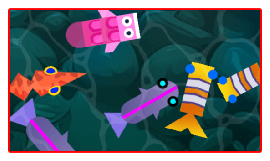
Use the Thickness and Color of the outline properties to set how wide and what color the border is. This is handy to highlight a selected or hovered object: add the effect to the object itself and change its properties (or enable/disable the effect) with events when the object should be highlighted.
Reference
All effects are listed in the effects reference page.